
For a heavy tower UPS that can sit on a shelf, start with a fixed shelf rated for the load and compatible with your 4-post rack. For a rackmount UPS, use the mounting hardware specified for your model and rack. Plan to put the heavy unit low in the rack. Hammond Heavy-Duty Fixed Rack Shelf · Schneider Electric Smart-UPS 4-post rail kit FAQ · Eaton Server Room Refresh
Which support carries the UPS?
| Setup | What to check |
|---|---|
| Heavy tower UPS in a 4-post rack | Check that the UPS footprint fits on the usable deck. Hammond designed its RF shelf for cabinets with two pairs of combination rails. Traditional 4-post equipment racks require the optional FSRA adapter for this shelf. Hammond Heavy-Duty Fixed Rack Shelf · RackSolutions Common Shelf Questions |
| Tower UPS on a cantilever shelf | Check the shelf’s capacity for that mounting configuration and compare its usable deck with the UPS footprint. The RackSolutions cantilever shelf mounts at one end, including in compatible 4-post racks. RackSolutions Cantilever Rack Shelf · RackSolutions Common Shelf Questions |
| Rackmount UPS | Match the mounting hardware to the UPS model. For a 2-post rack, look for a 2-post mounting option in the UPS maker’s documentation. Schneider Electric Smart-UPS 4-post rail kit FAQ · Schneider Electric Smart-UPS Modular Ultra 2-post mounting FAQ |
How do the mounts carry the load?
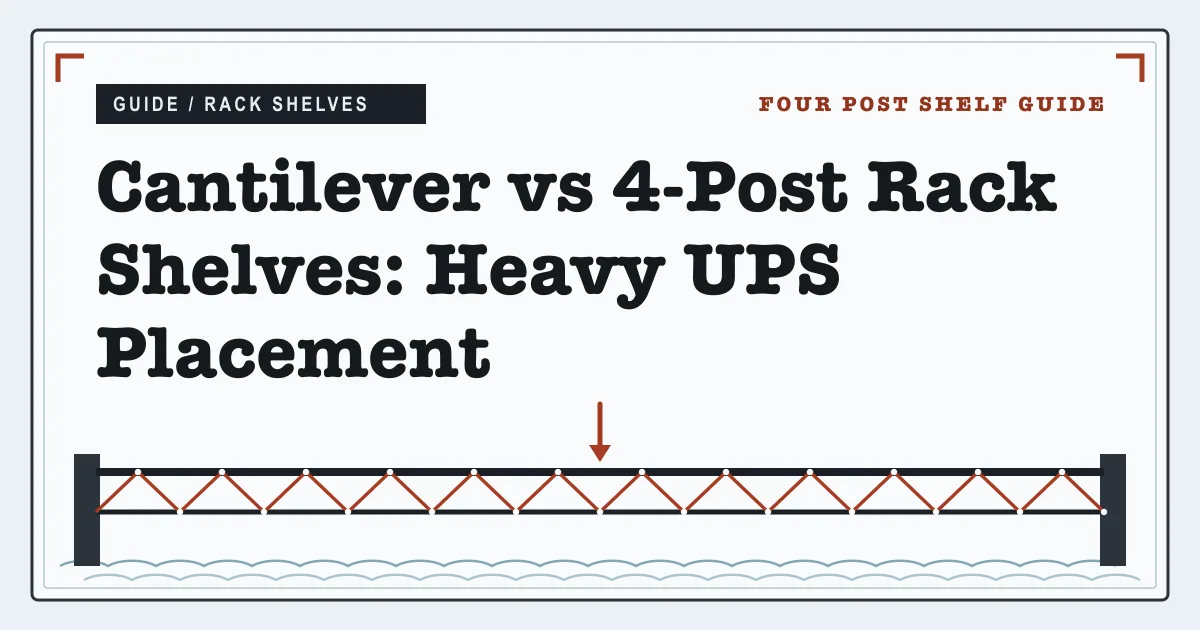
Moving the same load farther from the mounted end of a cantilever shelf increases the turning effect at its mounts. OpenStax University Physics, Volume 1: Torque
Check weight, deck depth, and post spacing
- Weight. Add the UPS weight and the weight of any battery pack sharing the shelf. Compare the total with the shelf’s load rating. Check the rack’s applicable load rating against the full weight of the equipment and accessories it will carry. RackSolutions Common Shelf Questions · RackSolutions Server Rack Weight
- Usable deck depth. Compare the UPS footprint with the flat shelf surface. Use a well-ventilated rack and keep aisles clear for maintenance access. RackSolutions Common Shelf Questions · Eaton Server Room Refresh
- Post spacing. Measure from the front mounting face to the rear mounting face where the brackets will attach. Compare that distance with the 4-post shelf’s published mounting range. RackSolutions Common Shelf Questions
A UPS can pass the weight check and still need a deeper shelf. If its footprint extends beyond the usable deck, choose a deck deep enough to support it. RackSolutions Common Shelf Questions
Place the UPS low in the rack
Reserve the bottom position for the heaviest equipment. Leave space around the rack for service access. Eaton Server Room Refresh
Evidence and limits. Hammond’s RF Series documentation, the cited RackSolutions and Eaton guides, OpenStax’s University Physics, Volume 1, and Schneider Electric’s Smart-UPS mounting FAQs were checked on November 27, 2026. No hardware testing was performed.


